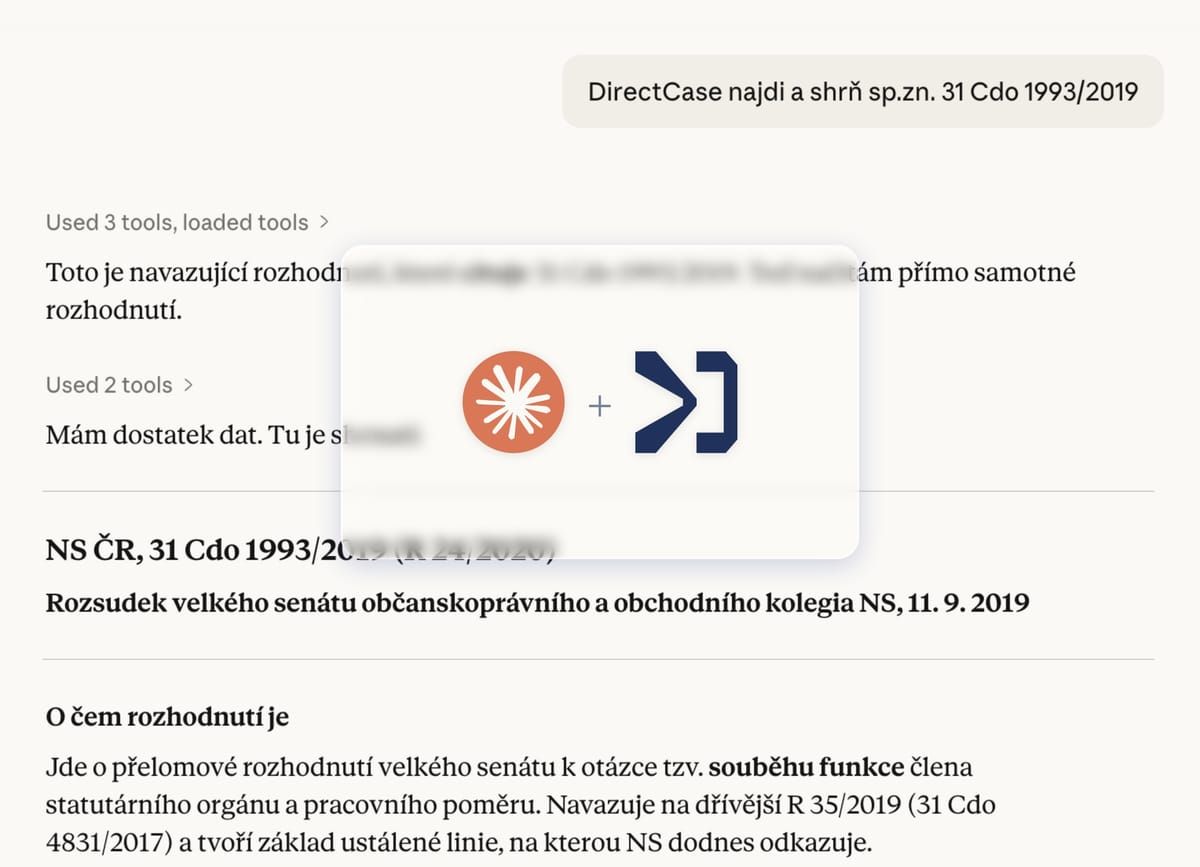
First in Czechia: law directly in your AI environment via MCP.
DirectCase has launched support for the MCP protocol. Lawyers can now connect statutes, case law, and regulations to the AI tools they use every day.
The starting problem
A classic lawyer''s situation: the fifth tab in the browser, statutes spread across documents, the answer for the client in yet another window. DirectCase MCP (Model Context Protocol) solves this fragmentation by bringing legal context directly into the user''s working environment.
The protocol works like "USB-C for AI" — a standard created by Anthropic that lets different tools talk to each other. Hundreds of applications already support it.
DirectCase MCP: first in Czechia
DirectCase has become the first Czech platform with MCP integration of legal context. Users can connect statutes, case law, and regulations to the AI environment of their choice (Claude, ChatGPT, Cursor).
Practical use:
- When summarising documents, instantly verify all cited laws and docket numbers
- Search compliance questions with contextual understanding, not mere text matching
- Analyse case law with sources directly in your working environment
The database contains 1.4 million verified legal sources: Czech and EU legislation, case law of Czech courts, and decisions of the ECtHR and the Court of Justice of the EU. Every result includes a link to the original document with docket numbers.
Lawyers as catalysts of change
Zack Shapiro, a Yale Law graduate running a two-person firm, demonstrates this approach in practice. His February article on turning Claude Desktop into the firm''s core infrastructure reached 7.5 million views.
His methodology combines "AI brain, your own documents, verified sources" without a vendor-imposed workflow — an accessible model at a fraction of the cost of enterprise tools.
Claude integration
Four-step connection:
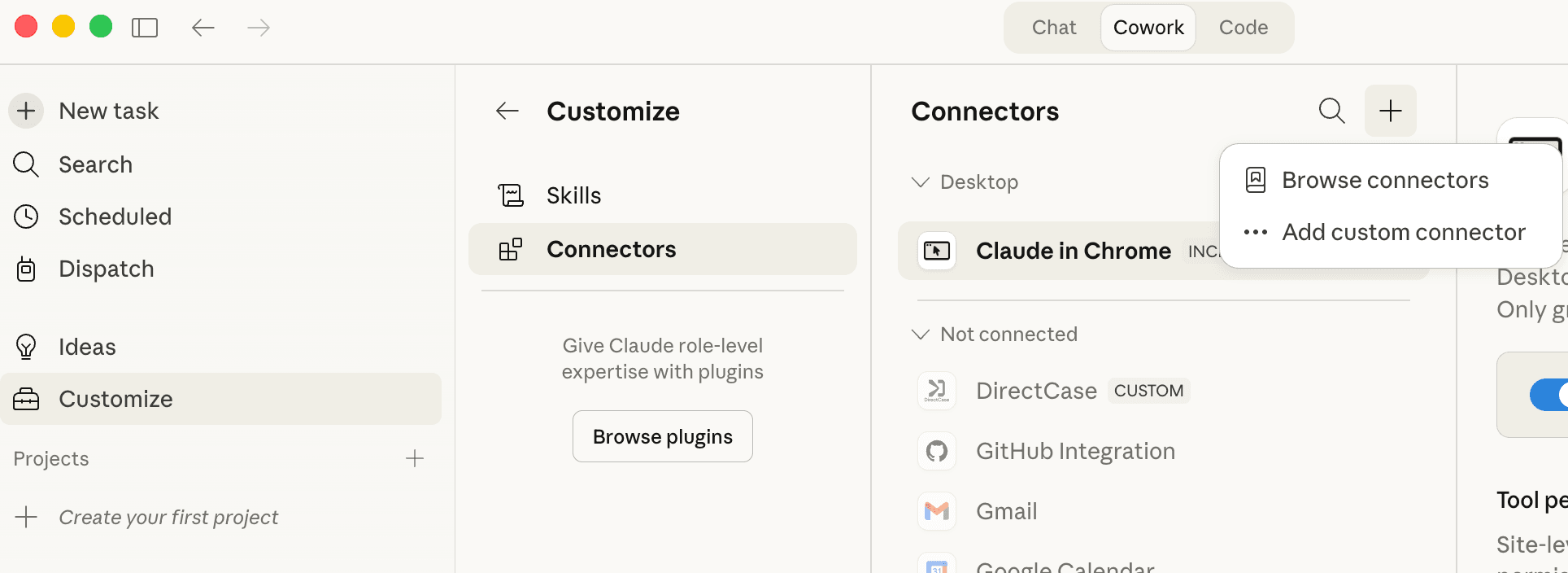
Step 1. Point Claude to DirectCase. Open Claude Desktop and go to Customize > Connectors > add a custom connector.
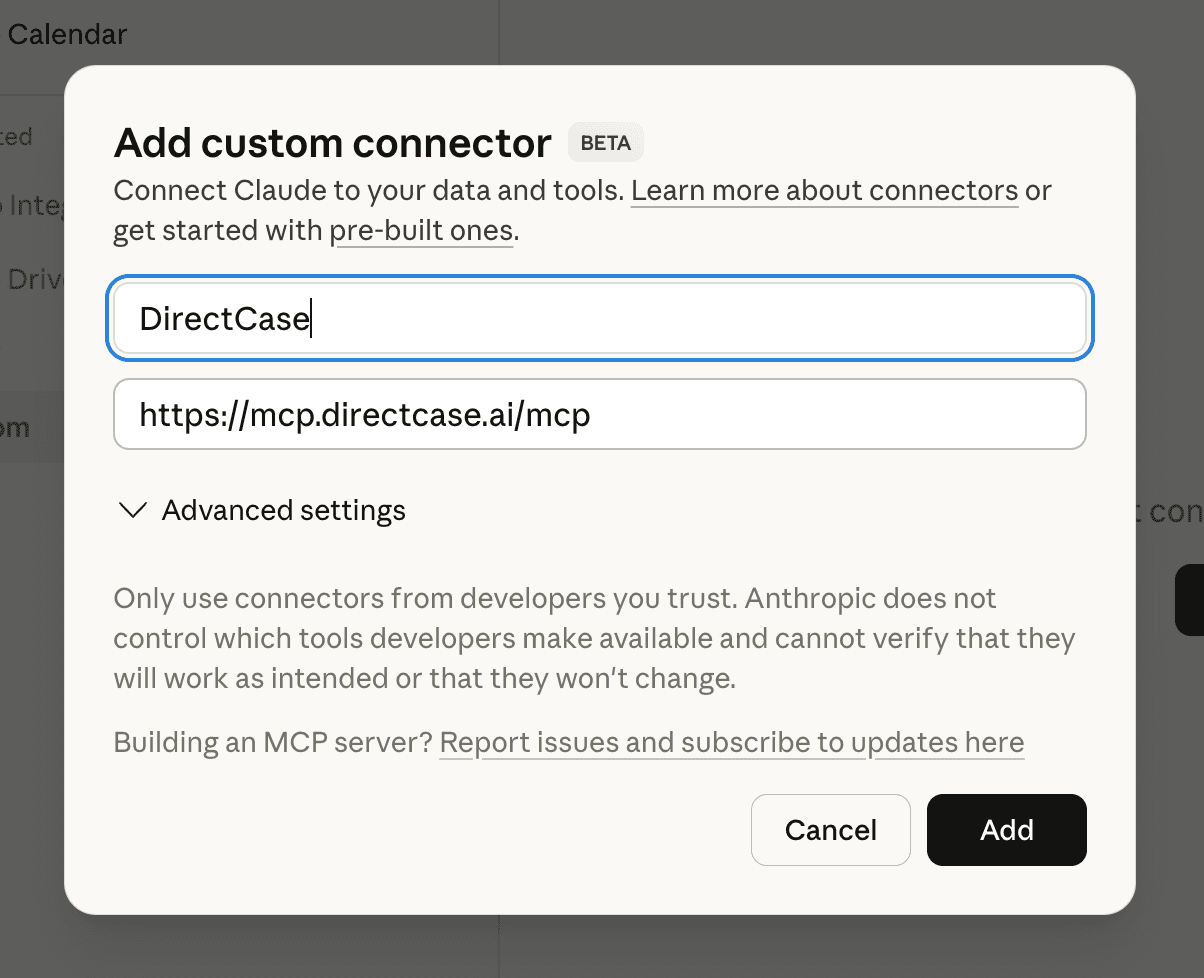
Step 2. Add the connector. Enter the name "DirectCase" and the URL https://mcp.directcase.ai/mcp. Communication is encrypted.
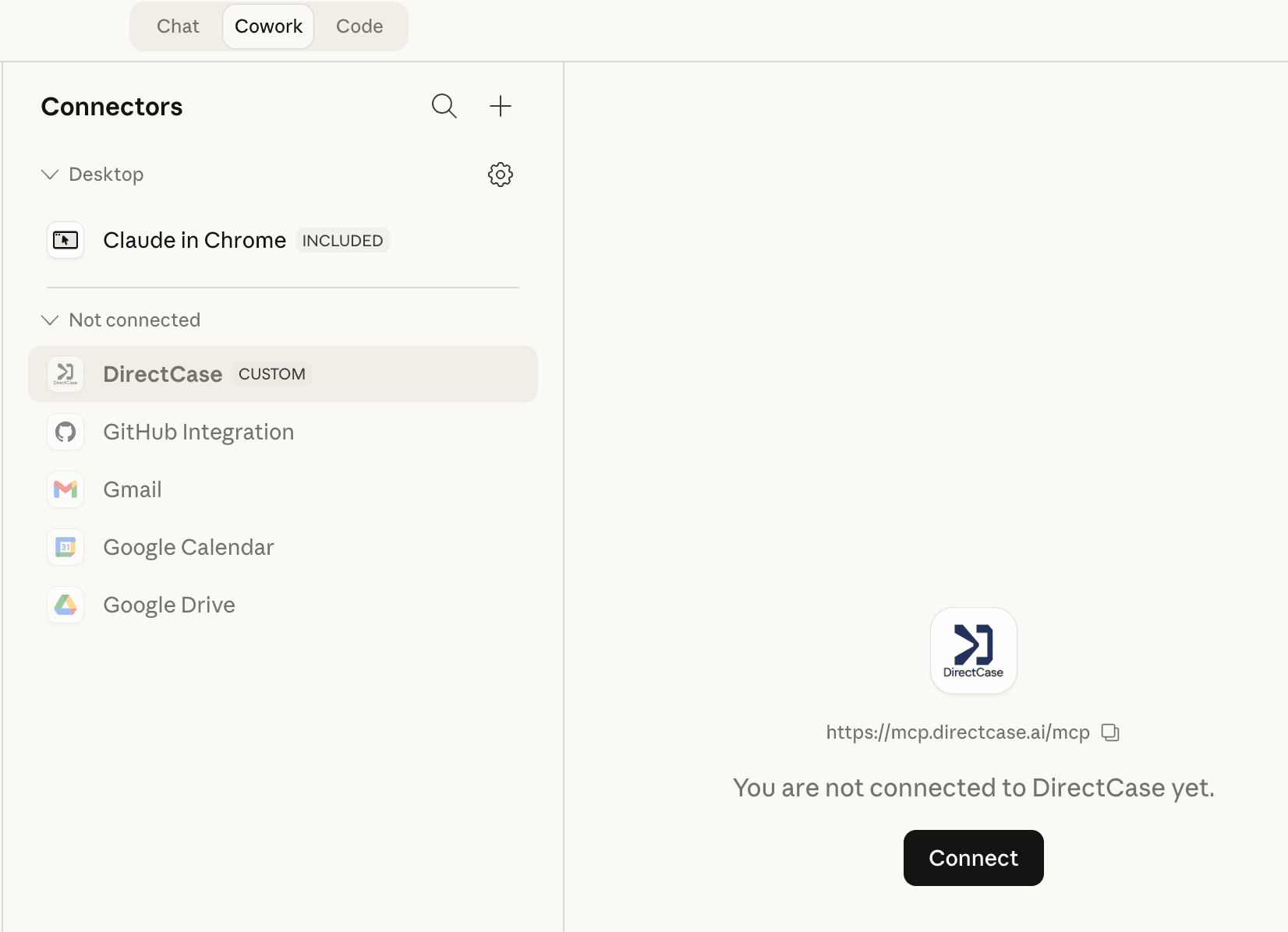
Step 3. Sign in to DirectCase. Sign in to your DirectCase account (creating a new one takes 1 minute).
Step 4. Ask a legal question. Ask questions directly in Claude. The first time, Claude will ask for consent.
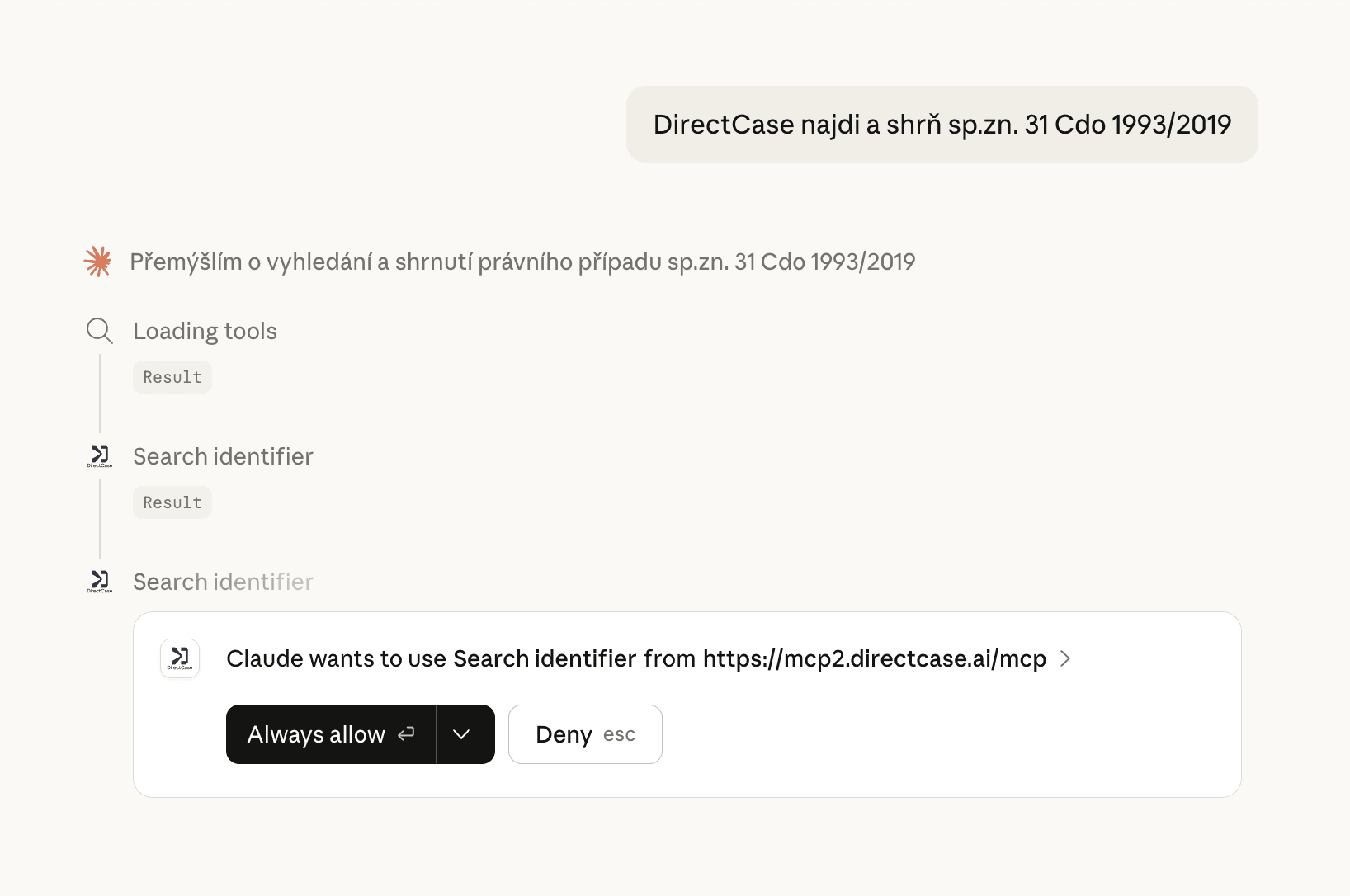
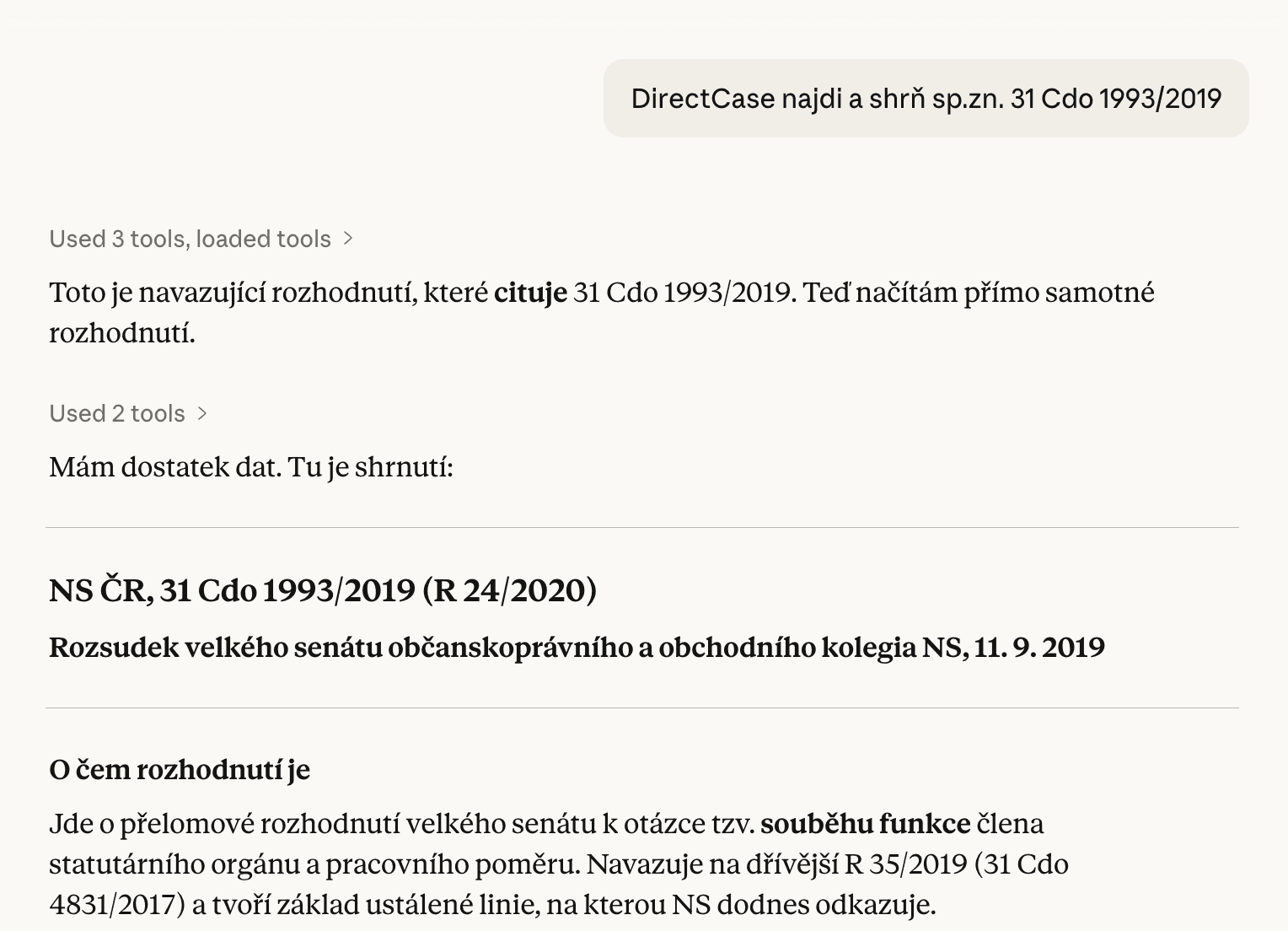
Result: the flexibility of the AI interface with relevant context from DirectCase.
The flexibility of the AI interface combined with relevant legal context from DirectCase.
Conclusion
Time savings through no more tool-switching, and the ability to tailor the working environment to your specific needs.
Liked this article? Share it.